Everything you said you would do, in one place.
For anyone running their own week, whose to-do list is currently split across a notebook, three apps and the back of an envelope.
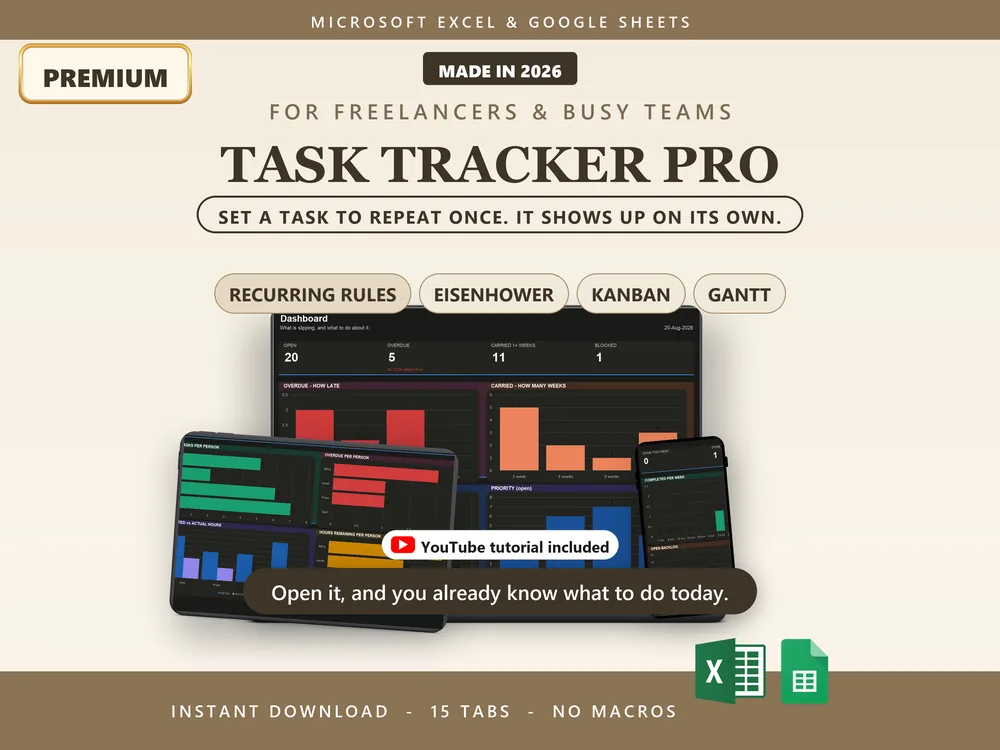
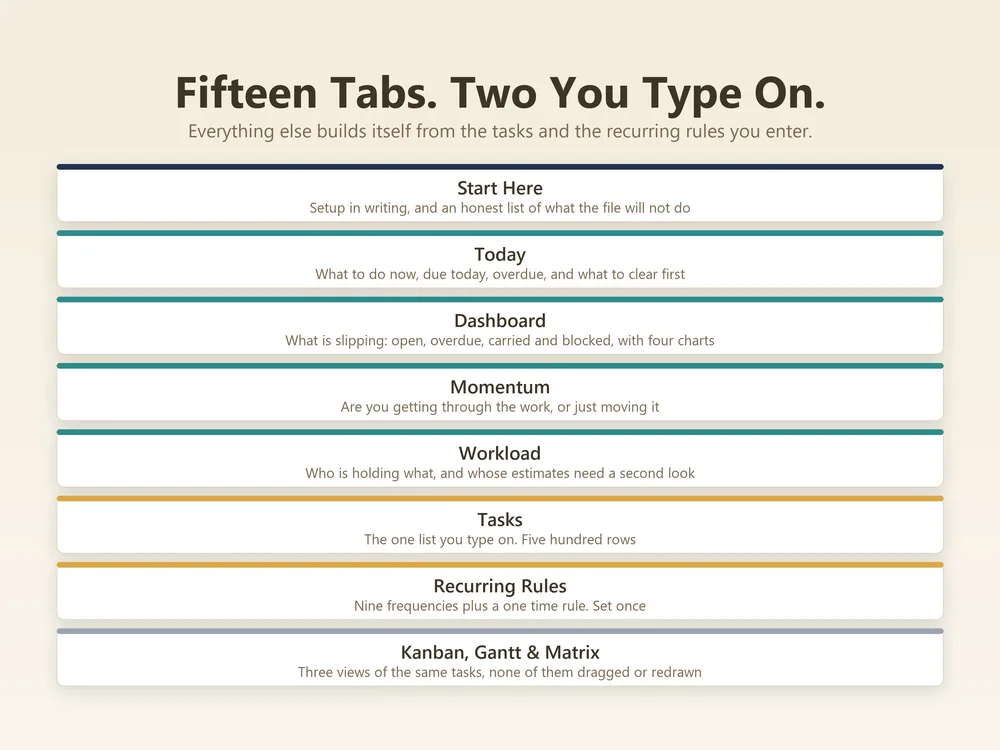
Task Tracker is a 15-tab Excel and Google Sheets workbook for anyone running their own week, whose to-do list is currently split across a notebook, three apps and the back of an envelope. 2 you type into, 11 that fill themselves in and 2 you set once. $5.98 once, no subscription.
Filed under productivity & planning.
Type into the highlighted cells, watch every number update itself.
You only ever type in the highlighted input cells, everything else fills itself in.
A one page setup guide inside the workbook. Enter your basics once, five minutes, done.
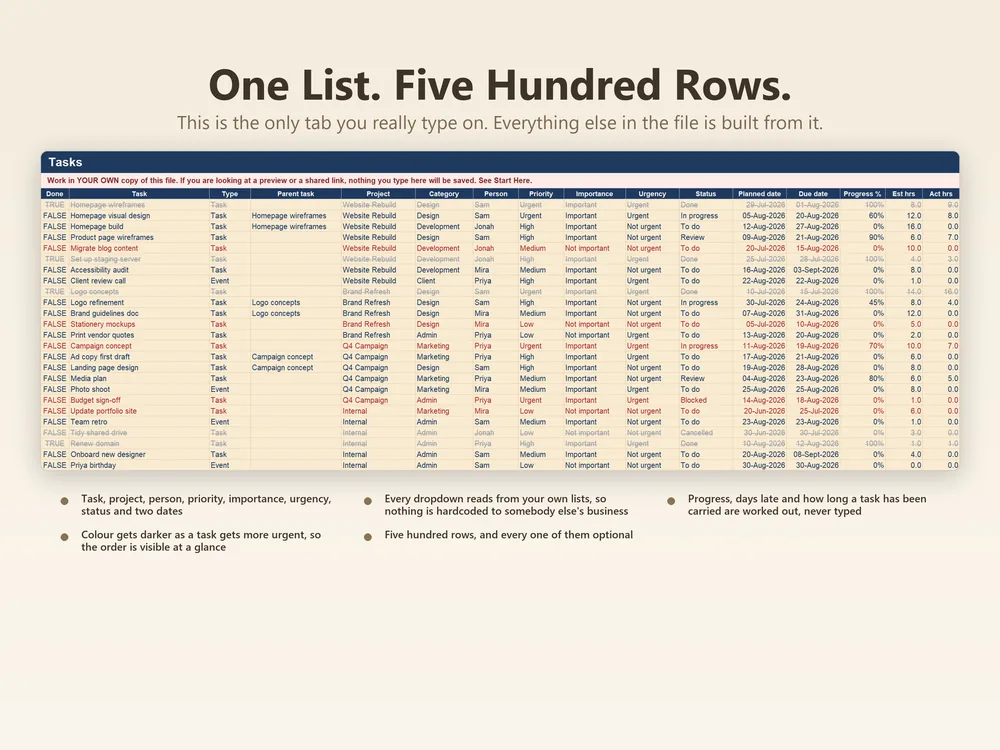
One row per task: title, project, owner, due date, priority, status and notes. Room for 500.
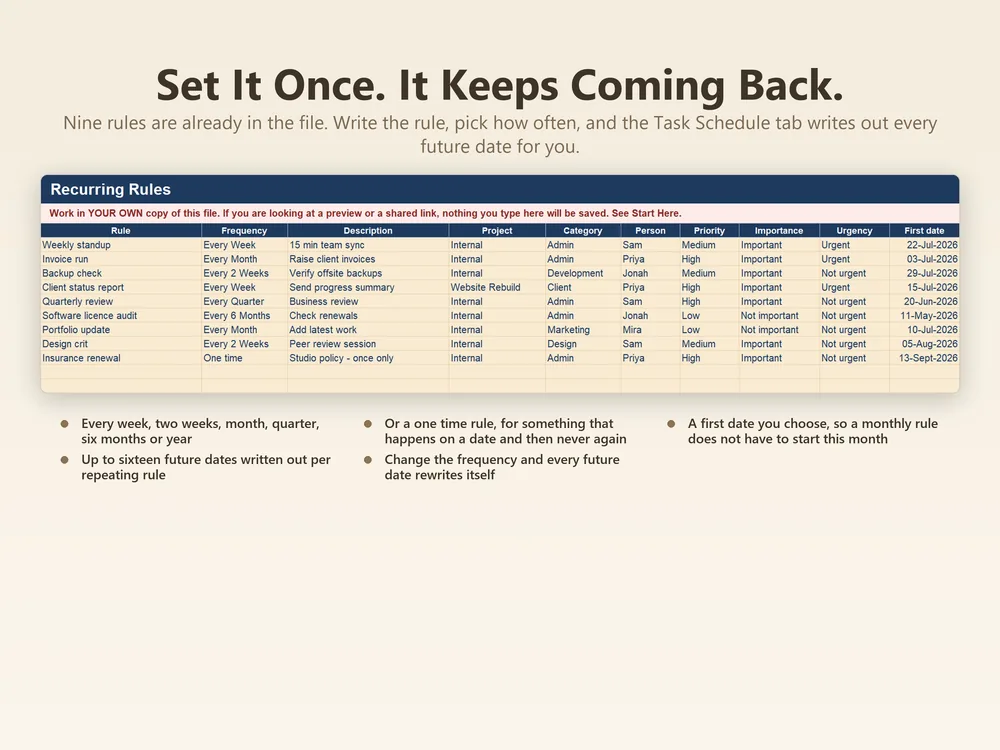
Define a repeating task once, with its interval. Up to 30 rules.
The occurrences your recurring rules generate, up to 480, built from the rules above.
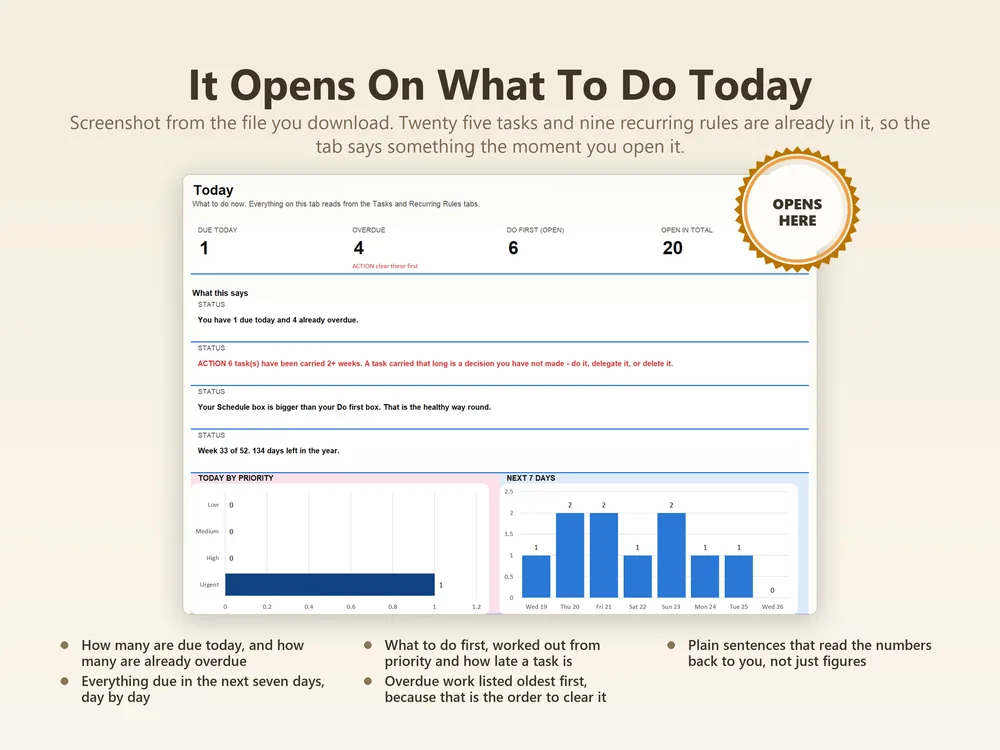
What is due now, pulled from the task list.
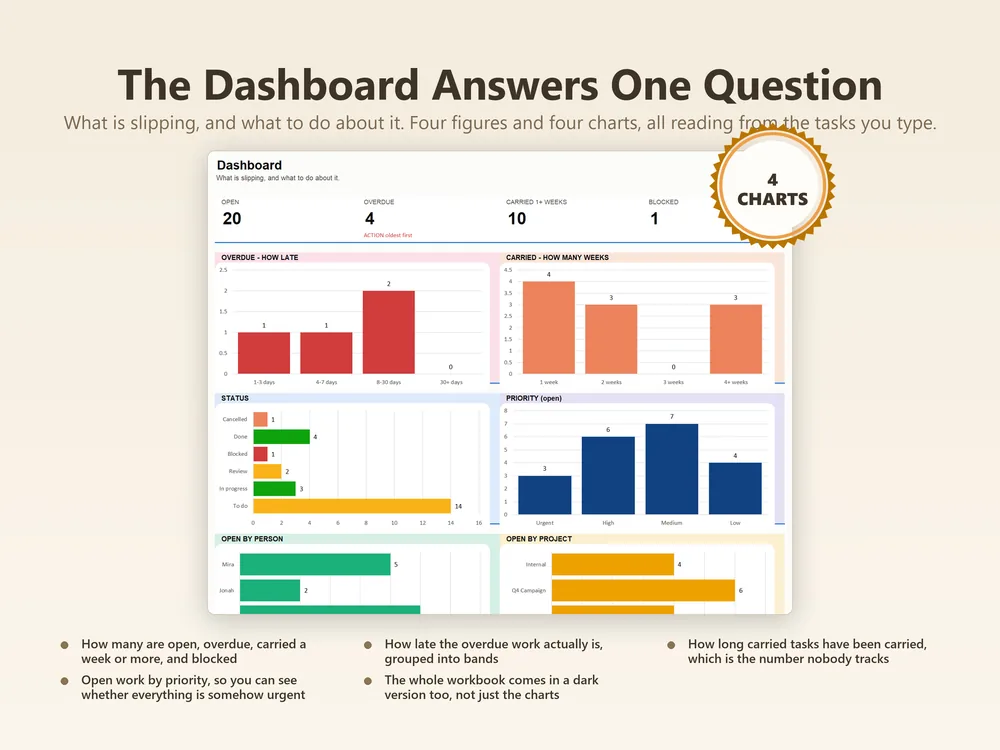
Counts, completion rate and where the week is going.
Completed over time, so a good run is visible and a stall is obvious.
How the load spreads across people or projects.
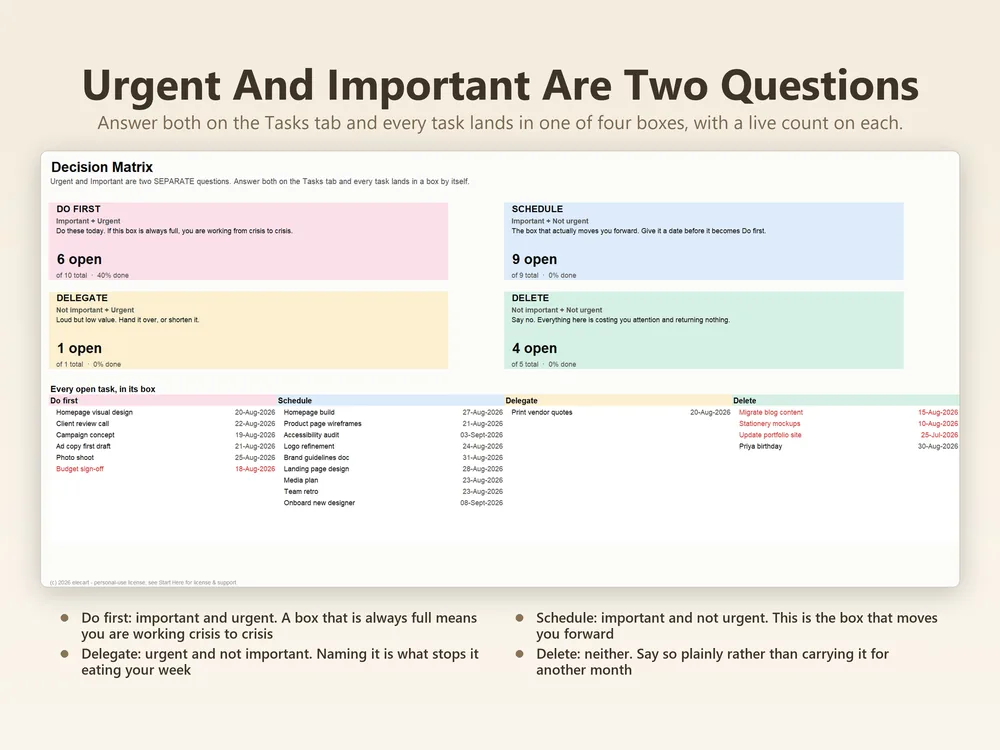
Urgent against important, plotted from the priority you already set.
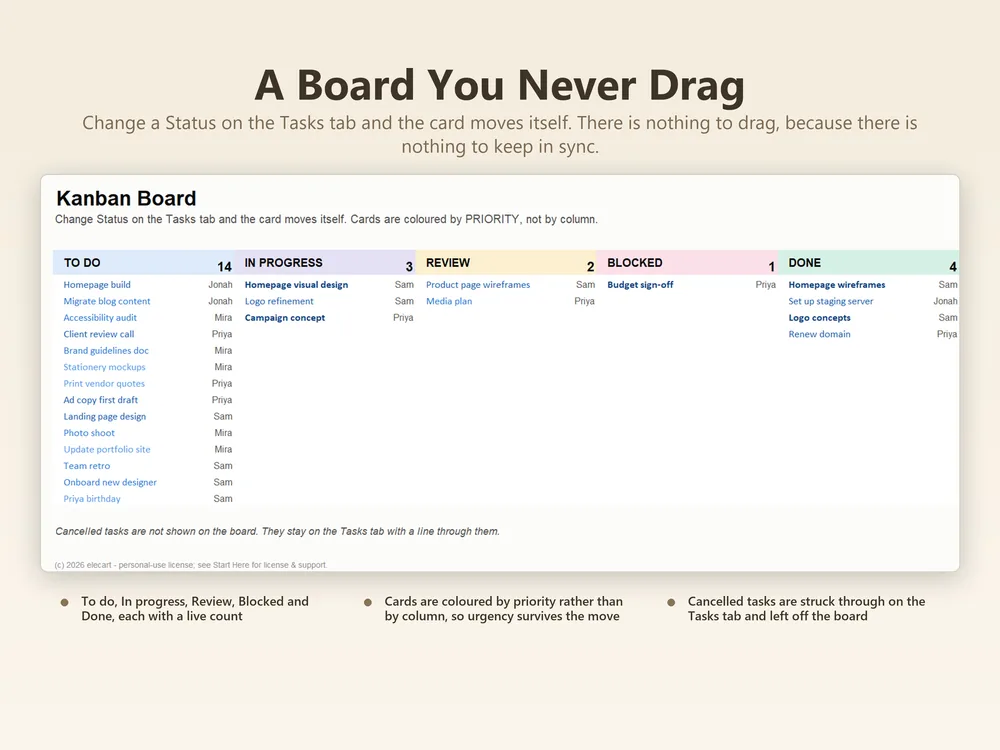
The same tasks as columns by status.
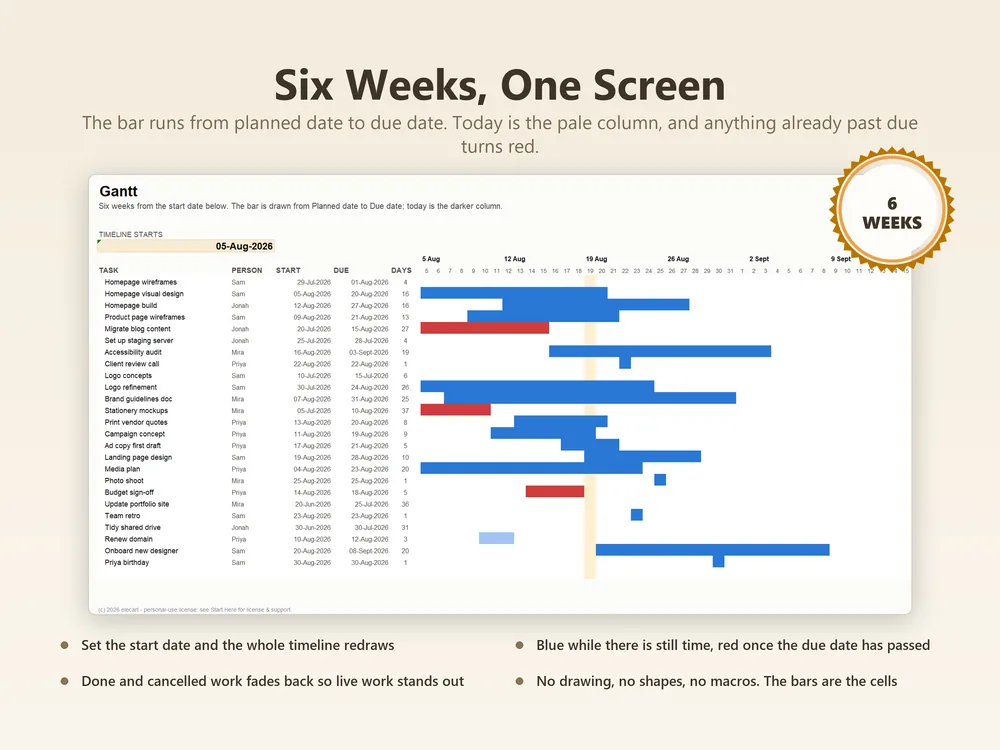
Start and due dates drawn as bars across the timeline.
The month laid out, with tasks on their due dates.
The same for a single week.
A filtered view of the task list for slicing by project, owner or status.
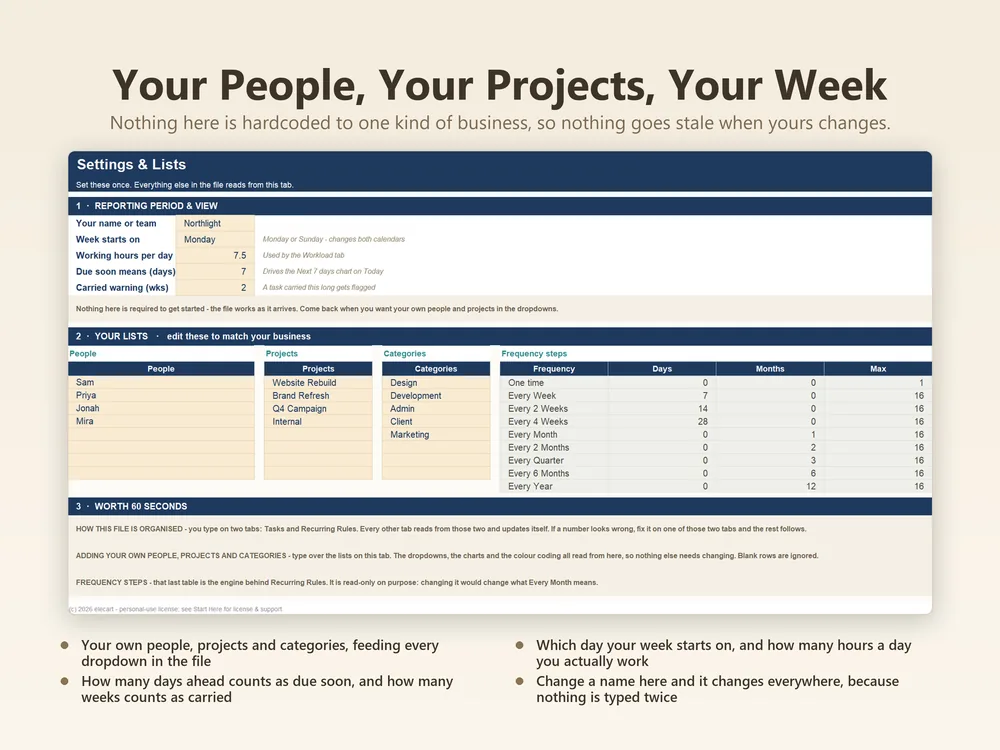
Projects, owners, statuses and priorities. Change them once and the whole workbook follows.
Enter your data; totals, flags and the dashboard update instantly.
Checked cell by cell before release. Find one and you get a fix plus a refund.
Formula cells are protected. You can only type where typing is safe.
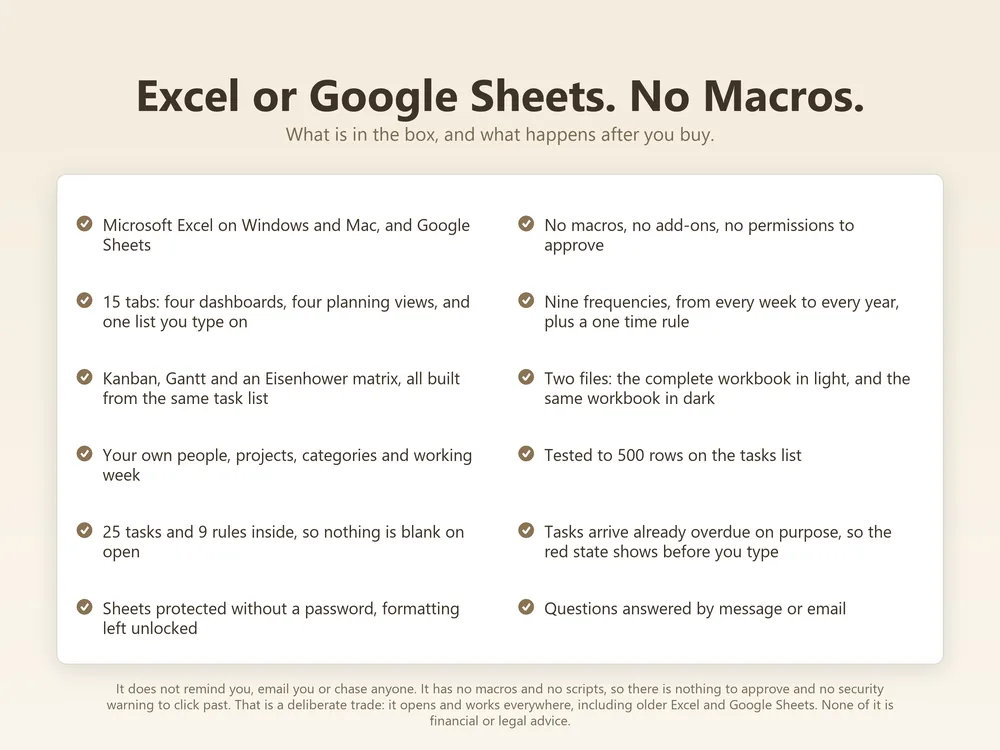
Both versions in every purchase. No converting, no broken references.
Clean report pages for your records, your accountant, or your next meeting.
Delivered by Etsy the moment you pay. Free updates to this template forever.
Secure checkout through Etsy, no account needed here.
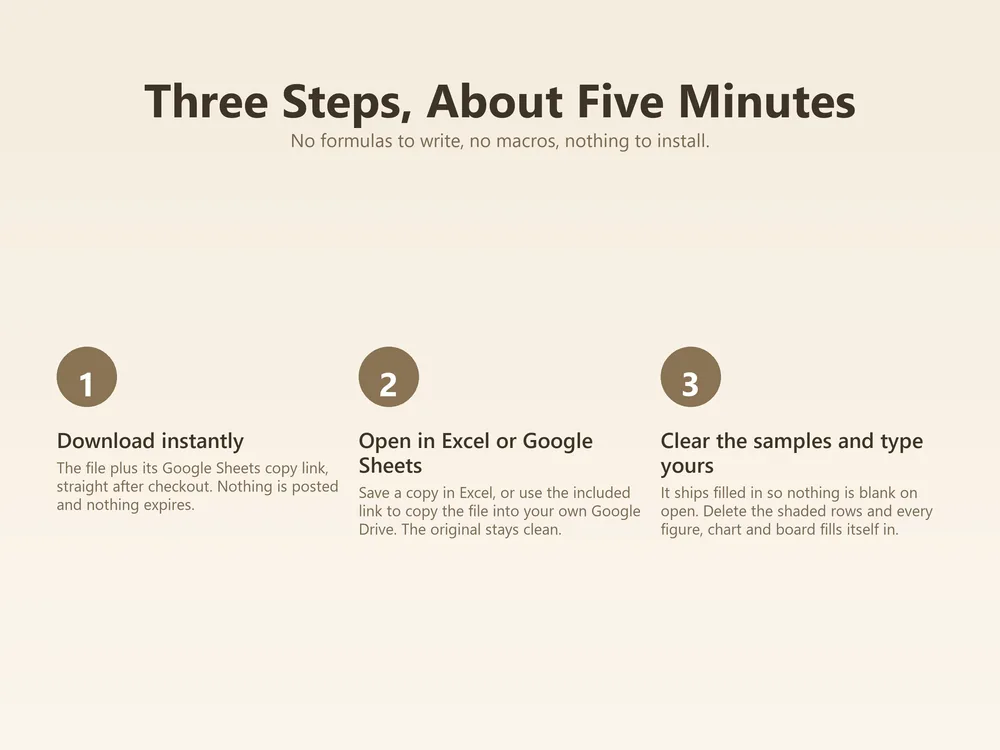
The Excel file and the Google Sheets link arrive immediately.
Type into the highlighted cells, every formula updates itself.
Any desktop Excel from 2016 onward works, including Microsoft 365. If you don’t have Excel at all, use the included Google Sheets version. It’s free.
Yes. The Google Sheets version is built natively, not converted: every formula, highlight and protection works the same.
Yes. $5.98 once. You keep the files forever and get free updates to this template.
Digital downloads on Etsy are generally final, but if the template doesn’t work as described and we can’t fix it for you, you get your money back. Just email support@elecart.us.
Email support@elecart.us and the person who built the template answers, usually within one business day. Etsy Messages works too.
Input tabs are sized generously and tested with full sample data: enough for years of typical use. Need more room? Duplicate the file per year, or email support for an extended version.
$5.98, once, 40% off. Yours forever, with free updates.
Get it on Etsy →